
 multiple independent scenes with Speak Text-To-Speech Audio via API
I want to use multiple avatars/scenes on one page and add Speak Text-To-Speech Audio individually using API or other controls. I cannot find any example of it, except conversation one. But conversation one is not my case.
Thanks

Hello!
Each SitePal Scene, when embedded into your page, is embedded in a "Portal", which is our name for the "embedded placeholder" defined by the embed code, in which your Scene is loaded.
So when you embed a SitePal Scene into your web page, first comes the Portal, which then loads the specified Scene.
In most cases you do not need to know or care about this distinction between Scene and Portal, but in some cases you do.
One such case is when you want to hide ("unload") the Scene from your page, or replace it with another. You can do that by instructing the Portal to unload or load a Scene.
The other case is when there are multiple Scenes embedded in your web page, and you need to address them individually with API calls. The Portal is an addressable object. When the embed code first loads into your page, you can get the Portal ID as a return value from the embed function. Then use that value to direct API calls to the Portal.
This is done using the 'setPortal' call. When you call 'setPortal' - you are letting us know that all further API function calls should be directed at that Portal. This includes 'sayText' & 'sayAudio' calls.
That's how we implemented the SitePal conversation example, and that is also the answer to your question.
Please see this example - https://sitepal.com/api/examples/conversation.html
and take note how the Portal ID is initially retrieved when the embed code loads, and how 'setPortal' is called whenever it is the next character's turn to talk.
So even though you may not be looking to implement a conversation - this example is entirely relevant to your question.
For more information please see the section: "Portals & Embedding Multiple Characters on a Page" in the API reference - https://www.sitepal.com/docs/vhost_API_Reference.pdf (on page 6), and see the API calls related to Portals, documented on p.26.
I hope this is clear & helpful.
Regards,
Gil
The SitePal Team
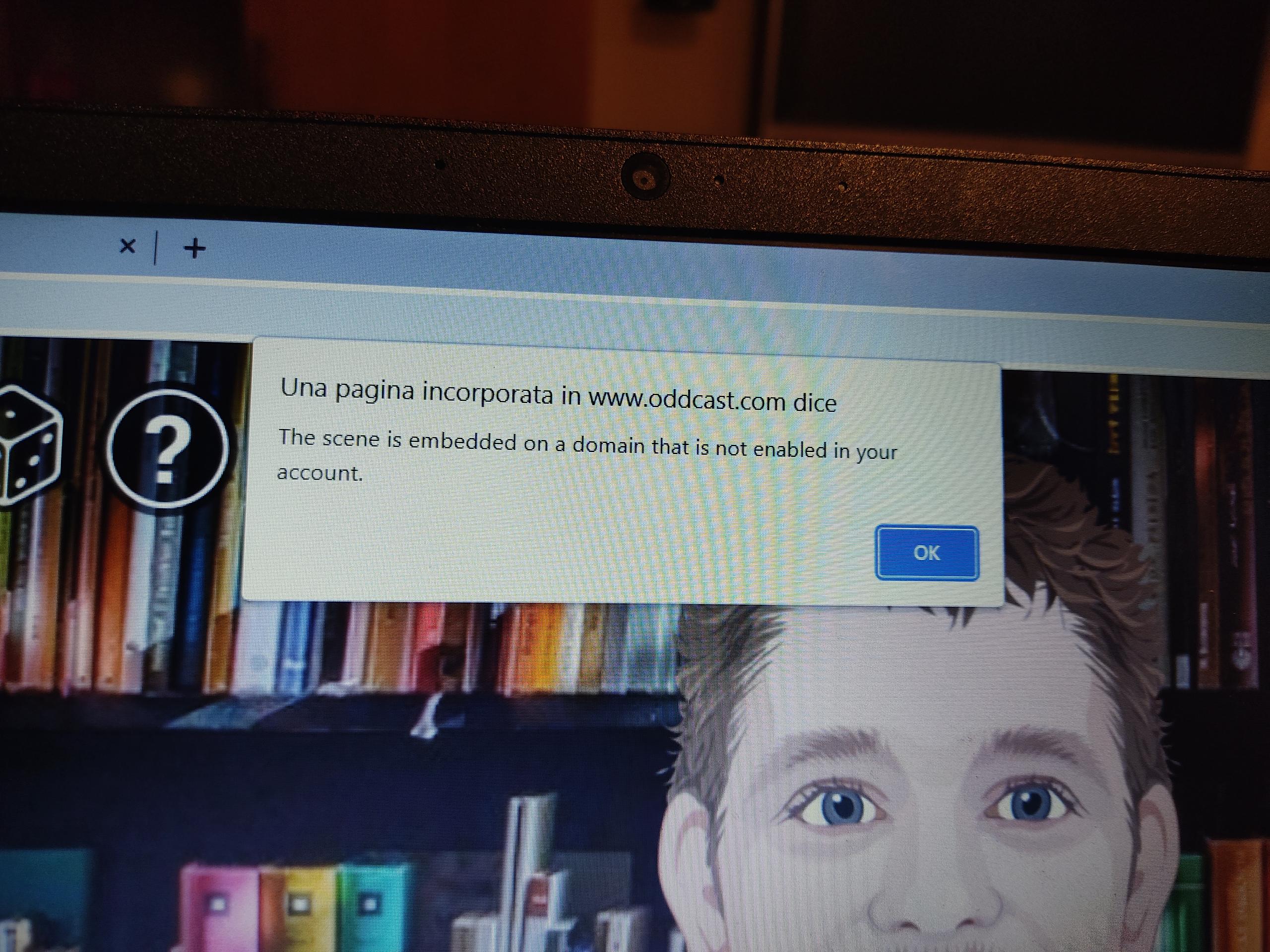
Hello!
This problem was fixed yesterday. Please try again now & if you still see a problem please send us a note to support@sitepal.com.
Regards,
Gil
The SitePal Team

SitePal avatar is not responsive while it is zoomed in and Zoomed out in browser
Hello Team my concern regarding the site pal avatar is , even after making SitePal avatar responsive while zooming in and zooming out the avatar is non responsive . It would be great if i get any reply on this query
Hello Tejashwini,
This issue has been identified and fixed. We've verified the fix on your own test page.
Please clear your browser cache before checking.
Thanks for your patience.
Regards,
Gil


Thank you!
Big, big shoutout to Gil, Pranjal and the rest of the team for providing exceptional service and problem-solving to assist me with my project. I would definitely recommend SitePal to others. Thank you again!

 Got this error after call sayText() "SitePal3DJS_R.js:60 GET http://cache.oddcast.com/tts/gen.php?EID=3&LID=1&VID=3&TXT=%2C%20in%20paris&IS_UTF8=1&EXT=mp3&FNAME=&ACC=5883747&API=&SESSION=&CS=9ffa642912606cdf9ed0800e03e57368&ID3ONLY=1 503 (The server is te
Got this error from the console log after call sayText() "GET http://cache.oddcast.com/tts/gen.php?EID=3&LID=1&VID=3&TXT=%2C%20in%20paris&IS_UTF8=1&EXT=mp3&FNAME=&ACC=5883747&API=&SESSION=&CS=9ffa642912606cdf9ed0800e03e57368&ID3ONLY=1 503 (The server is temporarily unable to fulfill the request. OK to re-resubmit.)". Is there a callback function to handle this error?
There may have been a momentary problem, but we are not aware of any recent downtime that may explain this.
We will investigate further.
Do you still see a problem on your website?
If you do - please send a note to support@sitepal.com & include the link to your page where the problem can be seen, and we will advise asap.
btw - the URL you listed works for me (you need to remove the ID3Only param to get the audio) - see -
Regards,
Gil
The SitePal Team

 Only 3 avatars I'm able to upload on a website
On the website www.ttsdemo.com I'm able to upload only 3 avatars: the man and woman in cartoon style, the two dogs and the seal (female) and polar bear (male) avatar. The other avatars, that until a few days ago I was able to upload, are still with the loading logo going and going. I'm not longer able to see the other avatars apart from the 3 I've cited
The problem has been resolved.
Thanks again for reporting the issue.
Regards,
Gil

Add a text below under all virtual assistant?
Can we add a text below under all virtual assistants like: “Start Here. Click above to Play” ?

My account Expire
Hi, Mr.Gil
Happy New Year!
I asked you about the 60 bit per rate video generation.
You said me that if your team couldn't make this video until this month, you would refund my money.
Sorry, but please let me know your development state.
Regards.
Hello Illia -
Regretfully the video generation implementation cannot generate 60 fps at present.
The solution to enable 60 fps requires some re-engineering & is not available at present.
We're ready to cancel your subscription & provide a refund if that is your preference.
Please send a note to support@sitepal.com - with a link to this thread - and we will take care of it for you.
All the best,
Gil

Multiple avatars independently on one page ?
Hello,
I would like to use multiple avatars on one page and control them individually using the API, is that a problem ? Is there maybe an example for this ?
Thanks so much,
Frank
Hello Frank!
This is entirely doable, and we have two examples on the support pages that showcase exactly that -
On the advanced examples page - look for "SitePal Conversation":
http://www.oddcast.com/support1/cookbook.html
However - I would advise you to wait for about a week, as we are just about to release an update which would greatly simplify api access to multiple characters on the page.
In the examples noted above - we demonstrate how to control each character via the API. This is accomplished by loading each character into its own iframe, which enables the characters to be individually addressed / called.
Needless to say this makes page design and maintenance a bit more cumbersome than it otherwise would be.
In the upcoming update, we add new built in addressing capabilities to the API - which will make it possible to embed your characters into the same page, without using an individual iframe for each, and access each of them individually via the API.
When we launch this update, we will provide new examples that demonstrate the new method.
Hope this helps,
Gil
The SitePal Team
Customer support service by UserEcho